
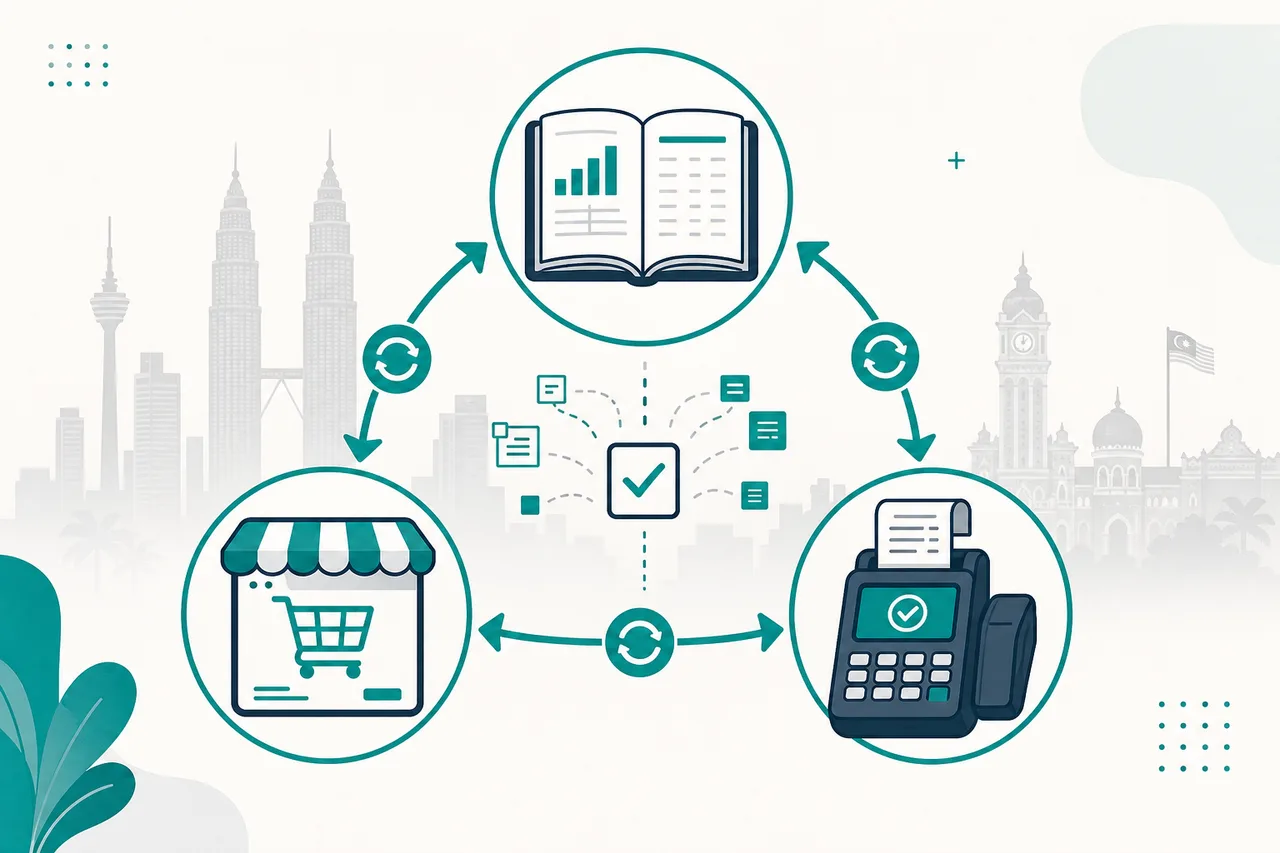
AutoCount is one of the most common ledgers for Malaysian SMEs. Ecommerce and POS are usually where orders actually happen. The gap between them—stock mismatches, missing invoices, SST confusion—is where month-end pain lives.
This article walks through how to connect AutoCount to ecommerce or POS in Malaysia without turning every order into a spreadsheet ritual.
What “connected” should mean
A healthy integration does more than dump sales into a journal:
- Stock — available quantities stay coherent across channels (or you accept deliberate buffers and document them).
- Customers / debtors — codes and credit terms do not fork into three versions of the same buyer.
- Sales documents — invoices, credit notes, and payments post with the tax treatment finance expects.
- Exceptions — failed posts are visible to operations, not silent.
Native AutoCount POS inside the AutoCount stack is the simplest path when you can stay there. Multi-channel Shopify, WooCommerce, EasyStore, SiteGiant, or third-party POS almost always needs a bridge—plugin, middleware, or both. See AutoCount API Integration Malaysia for how we scope that work, and POS systems when hardware and tender rules are part of the brief.
Plugin vs custom API middleware
| Approach | Fits when | Watch-outs |
|---|---|---|
| Vendor / Xantec plugin | Standard catalogue, one storefront, straightforward SST | Complex promotions, multi-warehouse, custom item codes |
| Custom middleware | Multiple channels, odd tax rules, high volume, on-prem AutoCount quirks | Needs discovery, UAT, and an owner for mapping changes |
| CSV / manual | Temporary or tiny volume | Breaks as soon as SKUs or outlets grow |
Plugins are excellent for common paths. Custom AutoCount API work wins when your chart of accounts, BOM, or channel fees do not match a one-size export.
Architecture patterns that work in Malaysia
1. Orders → AutoCount invoices (or cash sales)
Ecommerce confirms payment → middleware creates the sales document with item codes mapped to AutoCount stock items → tax codes applied → optional payment allocation.
Pitfall: creating invoices before stock reservation logic is clear, then fighting negative stock at fulfilment.
2. Stock sync (one-way or two-way)
- One-way from AutoCount: AutoCount is master; storefront only sells what the ledger allows.
- Two-way: POS and web can adjust stock; you need conflict rules (last-write-wins is rarely safe for retail).
3. Payments and fees
Marketplace settlements (Shopee/Lazada style fees) and payment gateway charges should land in the right expense or clearing accounts—not as mystery “other income.”
4. Returns and credit notes
Return flows must create credit notes or stock adjustments with the same discipline as sales. Half-built return paths are a leading cause of “API looks fine but stock is wrong.”
Field mapping checklist (do this before coding)
Bring finance and ops into the same workshop:
- Item code strategy (SKU = AutoCount item? Or mapping table?)
- UOM and packing (carton vs piece)
- Tax codes / SST treatment per channel
- Customer master rules (guest checkout → cash customer? or create debtors?)
- Warehouse / location codes for multi-outlet
- Document numbering and posting periods
- What happens on AutoCount downtime (queue vs fail the web order)
Write the answers down. Integrations fail more often from unclear business rules than from missing HTTP methods.
POS-specific notes
- Tender types (cash, card, e-wallet, voucher) need clear AutoCount payment methods.
- Shift closing should reconcile POS totals to posted documents—not only print a Z-report.
- Offline POS needs a queue and replay strategy so a network blip does not orphan sales.
If you are choosing POS hardware and software together, start from POS requirements, then decide whether AutoCount-native POS or a third-party + API bridge is cleaner.
E-invoice (MyInvois) on top of AutoCount
Once sales documents live in AutoCount, many teams next ask: can we submit to LHDN without re-keying?
Yes—when AutoCount (or your middleware) is the source of truth for invoice content, pair it with e-invoice middleware. Do not bolt MyInvois onto the storefront while AutoCount remains a delayed copy; you will fight two invoice numbers and two buyer masters.
Implementation sequence we recommend
- Discovery — AutoCount edition (desktop/cloud), company DB access model, channel APIs.
- Masters first — items and customers before high-volume transactions.
- Sandbox / sample company — prove create-invoice and stock adjust with real-ish data.
- Limited go-live — one channel or one outlet.
- Reconciliation dashboard — daily counts: orders vs AutoCount docs vs failures.
- Expand — remaining channels, then e-invoice if mandated.
Indicative fees and engagement shapes are on the AutoCount API Integration Malaysia page; quotes always follow an audit of document types and hosting.
Red flags when choosing a vendor
- “We just write to the database” with no write guards or finance sign-off.
- No rejection or dead-letter queue.
- Demo on a clean sample company that ignores your tax and BOM reality.
- No Malaysian support window for month-end incidents.
Bottom line
Connecting AutoCount to ecommerce or POS is a data-contract problem first and a coding problem second. Prefer plugins for standard stores; use custom middleware when channels, tax, or stock rules are non-standard; keep MyInvois on the same source of truth as your ledger.
For a technical reference on authentication, mapping, and posting patterns, see How AutoCount API Integration Works in the Knowledge Center.
Contact us with your AutoCount edition and channel list if you want a phased bridge plan.